General Settings
The General Settings page establishes your organization's identity within ThetaSecure. Settings configured here control the branding that appears across the admin console and end user interfaces, including login screens and notification emails.
Navigate to Configuration > General to access this page.
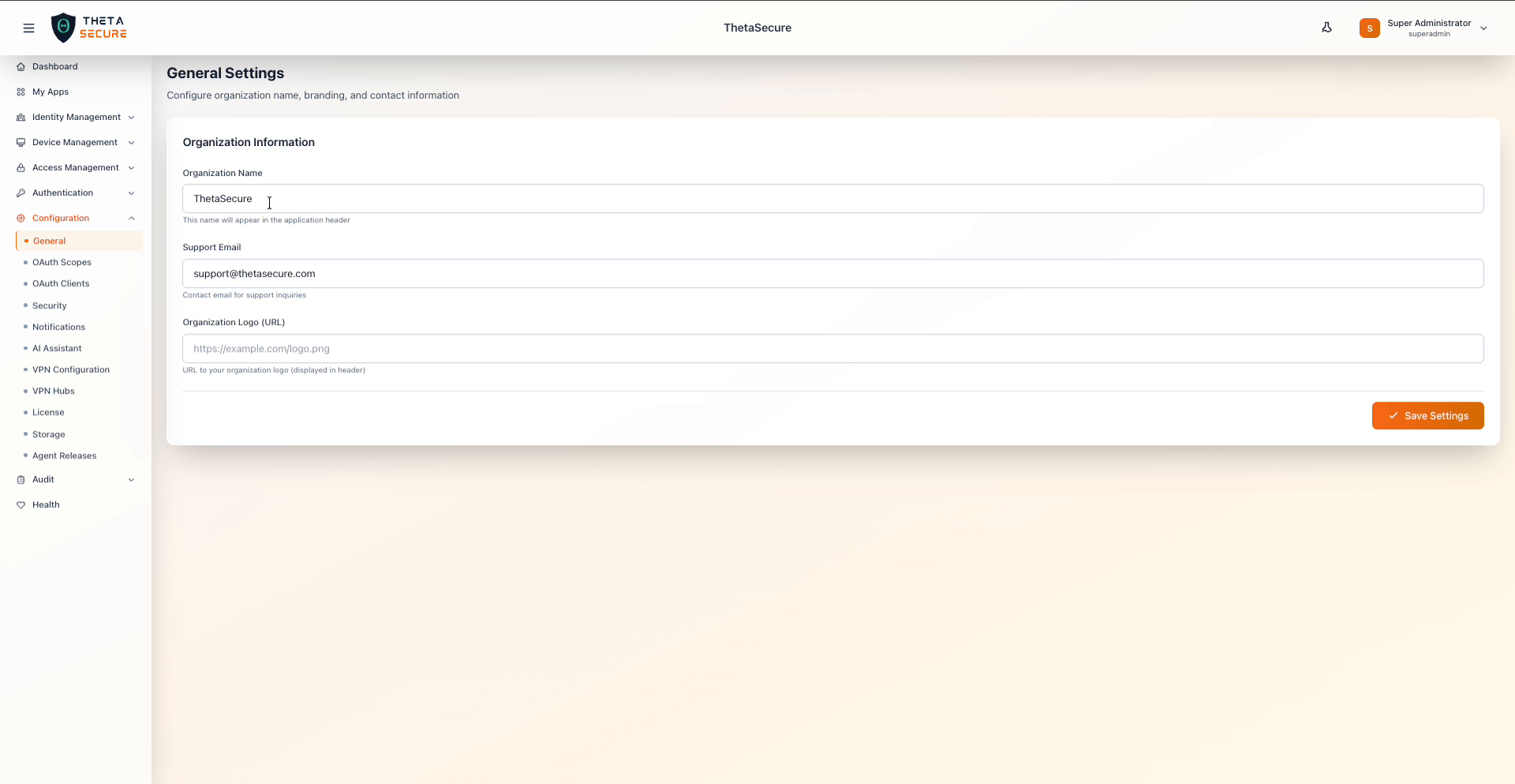 General Settings with organization name, support email, and logo URL
Organization Information
| Field | Description |
|---|---|
| Organization Name | Displayed in the application header and throughout the UI. This is how your organization is identified to administrators and end users. |
| Support Email | Contact email address for support inquiries. This address appears in system generated notifications and error pages so users know where to reach your IT team. |
| Organization Logo (URL) | URL pointing to your organization's logo image. The logo is displayed in the header alongside the organization name. Use a publicly accessible HTTPS URL for reliable rendering. |
Host your logo on a CDN or publicly accessible storage bucket to ensure it loads quickly and reliably. Recommended formats are PNG or SVG with a transparent background. If no logo URL is provided, the default ThetaSecure branding is displayed.
Saving Changes
Click Save Settings after making any changes. The updated organization name and logo will appear in the header immediately after saving. Allow a few moments for cached pages to reflect the new branding across active sessions.