Logging In to ThetaSecure
Access the ThetaSecure admin console through your browser to begin managing identities, policies, and security settings.
Accessing the Console
Open your browser and navigate to your organization's ThetaSecure URL:
https://nx.thetasecure.com
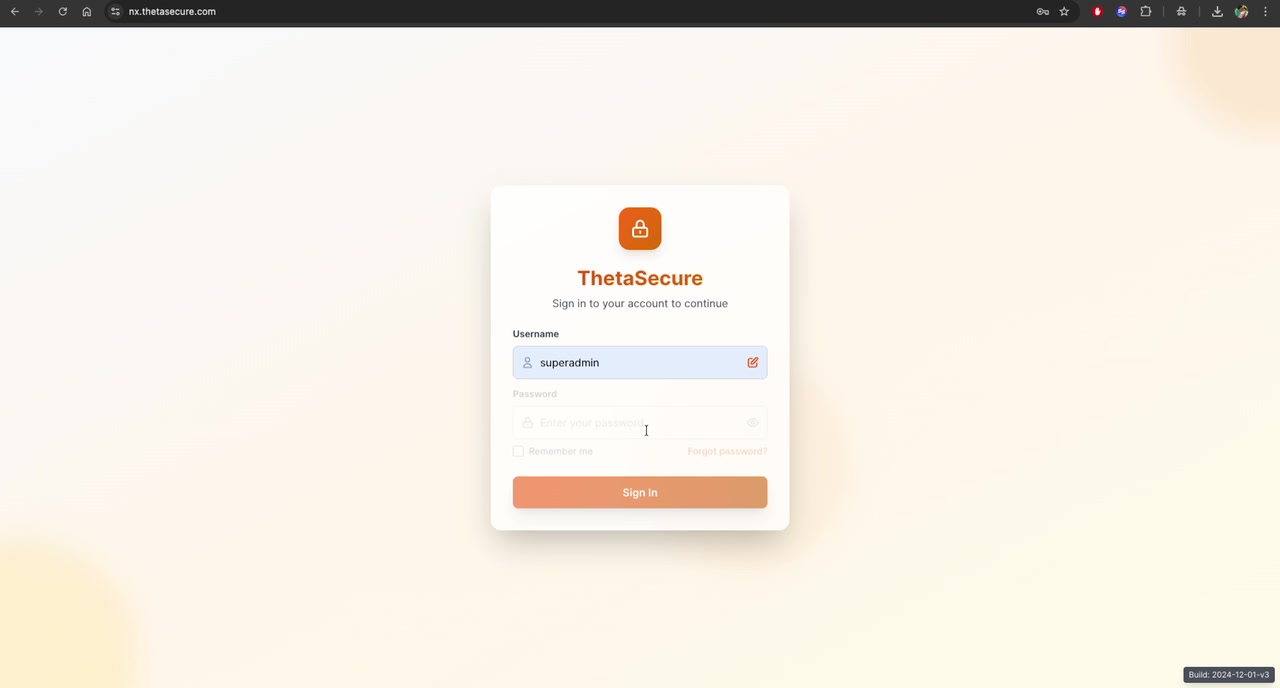
You will be presented with the ThetaSecure sign-in page:
Sign-In Steps
-
Enter your Username \u2014 Type your assigned username in the Username field. This is typically your admin account name (e.g.,
superadmin) or email address. -
Click Continue \u2014 After entering your username, click the Continue button to proceed to the password step.
-
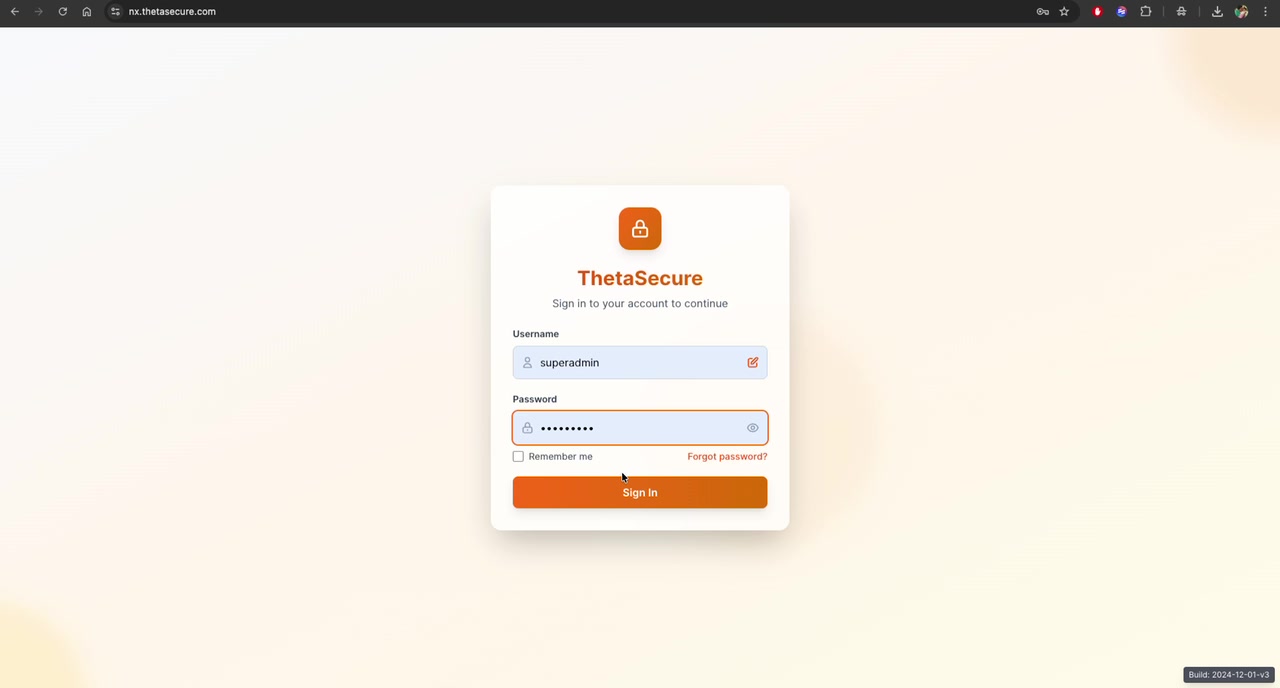
Enter your Password \u2014 Type your password in the Password field. Use the eye icon (\ud83d\udc41) to toggle password visibility if needed.
-
Remember Me (Optional) \u2014 Check the Remember me box if you want the console to keep you signed in across browser sessions. This is not recommended on shared or public workstations.
-
Click Sign In \u2014 Click the Sign In button to authenticate and access the admin console.
Always sign out when using shared workstations. Avoid using the \