Notifications Audit
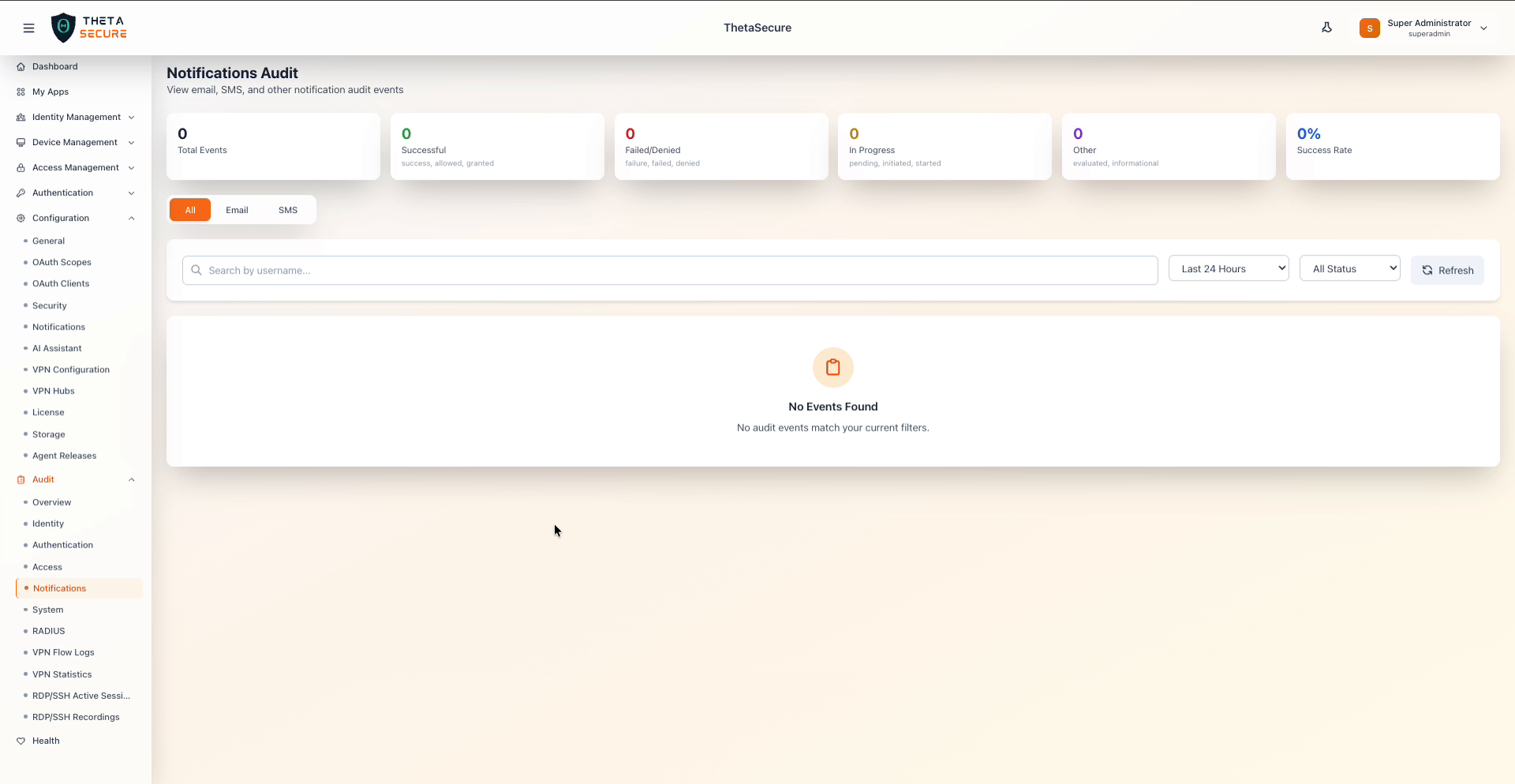
The Notifications Audit page tracks all events related to notification delivery — including email and SMS notifications sent by the platform. Navigate to Audit → Notifications from the sidebar.
Summary Cards
The top of the page displays six summary cards scoped to notification events.
| Card | Description |
|---|---|
| Total Events | Total notification audit events in the selected time range. |
| Successful | Notifications that were delivered successfully. |
| Failed/Denied | Notifications that failed to deliver. |
| In Progress | Notifications still being processed. |
| Other | Notifications with informational or evaluation statuses. |
| Success Rate | Percentage of successfully delivered notifications. |
Category Tabs
The Notifications Audit page provides three tabs to filter events by notification channel:
| Tab | Description |
|---|---|
| All | Displays all notification events across every channel. |
| Filters to email notification events including delivery successes and failures. | |
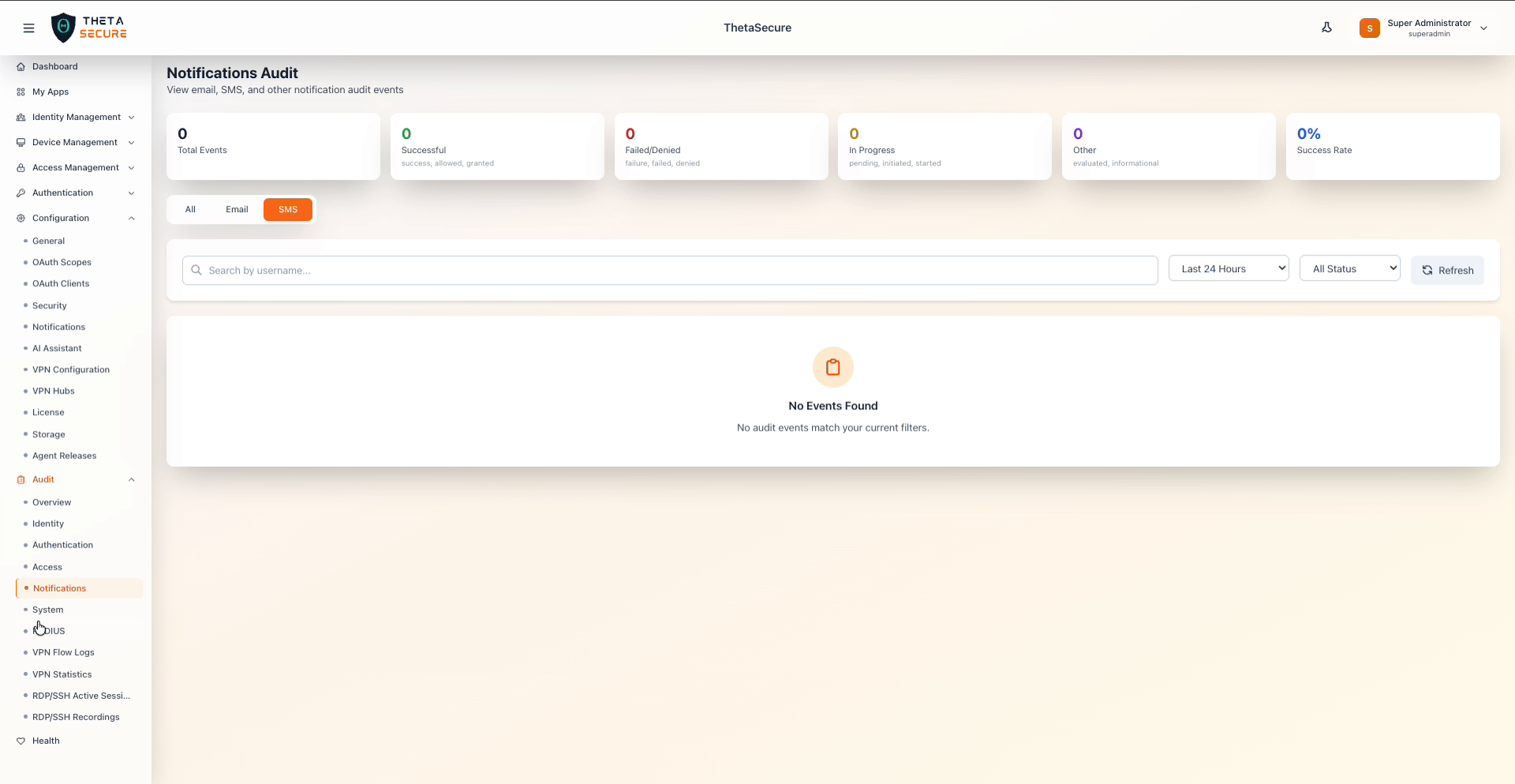
| SMS | Filters to SMS notification events including delivery successes and failures. |
The currently active tab is highlighted with an orange background.
SMS Tab Example
Filters and Search
| Control | Description |
|---|---|
| Search by username | Free-text search to filter events by a specific username or recipient. |
| Time Range | Dropdown to select the time window: Last Hour, Last 24 Hours, Last 7 Days, Last 30 Days, Last 90 Days. |
| Status Filter | Dropdown to filter by event status: All Status, Success, Failure, Failed, Allowed, Denied, Granted, Evaluated, Initiated, Started, Pending. |
| Refresh | Button to reload the data with current filters. |
Event Log Table
The event log table displays notification events with the standard columns: Time, Category, Event Type, User / Actor, IP Address, Resource, Status, and Details.
Empty State
When no notification events match the current filters, a centered message is displayed: "No Events Found" with the subtitle "No audit events match your current filters."
Notification events will appear here once notification providers (Email or SMS) are configured in Configuration → Notifications. See the Notifications Configuration documentation for setup instructions.