RDP/SSH Recordings
The RDP/SSH Recordings page (labeled Session Recordings in the interface) provides access to recorded SSH and RDP sessions that were proxied through the ThetaSecure gateway. Session recordings capture the full terminal output (SSH) or screen activity (RDP) for compliance, forensic investigation, and training purposes. Navigate to Audit → RDP/SSH Recordings from the sidebar.
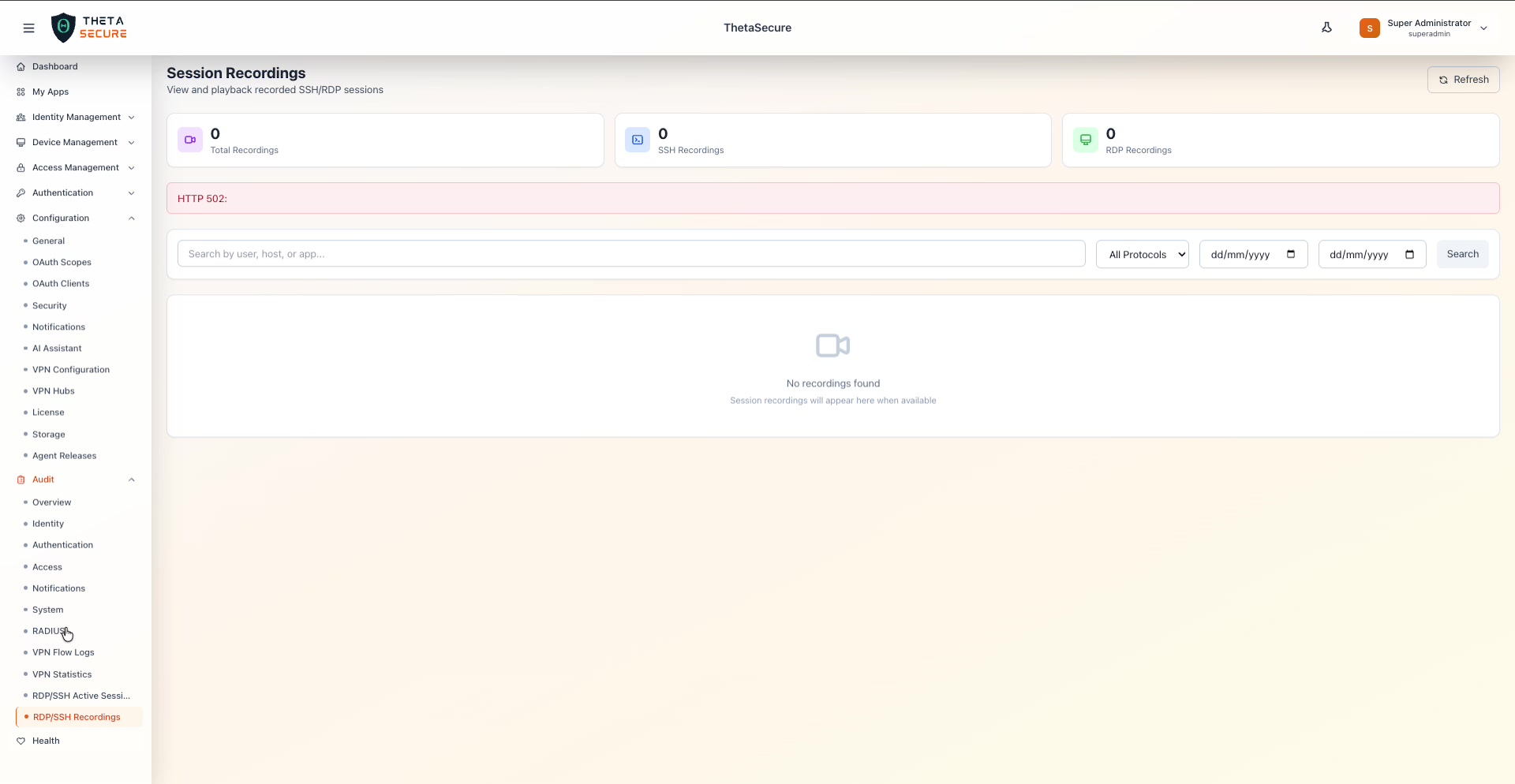 The Session Recordings page showing three status cards: Total Recordings (0), SSH Recordings (0), and RDP Recordings (0). Below the cards, the filter bar provides a search field, a protocol filter (All Protocols), and two date pickers for specifying a date range. The recordings table shows "No recordings found — Session recordings will appear here when available."
Status Cards
Three metric cards at the top summarize the recording inventory.
| Card | Description |
|---|---|
| Total Recordings | The total number of session recordings stored across all protocols. Indicated by a red video camera icon. |
| SSH Recordings | The count of recorded SSH sessions specifically. Indicated by a terminal icon. |
| RDP Recordings | The count of recorded RDP sessions specifically. Indicated by a desktop icon. |
Filters
The filter bar provides controls to search and narrow the recordings list.
| Filter | Description |
|---|---|
| Search by user, host, or app | Free-text search to find recordings by the connected username, target host, or application name. |
| Protocols | Dropdown to filter by protocol: All Protocols, SSH, or RDP. |
| Start Date | A date picker (dd/mm/yyyy) to set the beginning of the date range. |
| End Date | A date picker (dd/mm/yyyy) to set the end of the date range. |
| Search | Button to apply the current filter criteria. |
Recordings Table
When recordings are available, the table lists each session with details including the username, target host, protocol, session start and end time, duration, and file size. Each recording entry provides a playback action that opens the session viewer — a built-in player for replaying SSH terminal output or RDP screen activity directly in the browser.
A Refresh button in the upper right corner reloads the recordings list.
Recording Storage
Session recordings are stored in the configured storage backend (see Configuration → Storage). The recordings are automatically organized by session and can be retained according to your organization's data retention policies. Ensure your storage backend has sufficient capacity, as RDP recordings in particular can consume significant disk space depending on session length and screen resolution.
Use the date range filters to narrow recordings to a specific incident window during forensic investigations. Combine with the username search to quickly locate all sessions by a particular user during the timeframe in question.
Session recordings may contain sensitive data including credentials typed in terminals, confidential documents viewed over RDP, and other privileged information. Restrict access to this page to authorized security and compliance personnel only.